Flow agencyMarketing
Commercial Shorts
Create compelling shorts from just a product URL.
- What you put in
- Product URL (product photos and logo optional)
- What you get
- Shorts video
- Finished Shorts video file



One product URL, one short ready to post
Add a product page URL, and we’ll make a Shorts video that introduces that product.
Add product photos and a brand logo, and we’ll use them as well. You also choose the length, language, and captions.
Why you can hand it off
One URL is all it takes to start
A product page URL alone is enough. If you have product photos, add up to 6.
Lengths from 5 to 60 seconds
Set the shortest and longest lengths in 5-second steps.
11 languages, with captions too
Make it in Korean, English, Japanese, Chinese, Spanish, Portuguese, French, German, Vietnamese, Thai, or Indonesian, and turn captions on or off.
Choose the model who appears in the video
Have the model chosen automatically, or load a model you’ve already made.
From product materials to a finished short
What went in: a product page URL, two product photos, and a brand logo. What you get: one video you can post right away.




Finished short
Example30 s · Korean · Captions on
- 010:00 Room
- 020:06 Face
- 030:15 Product
- 040:27 Window
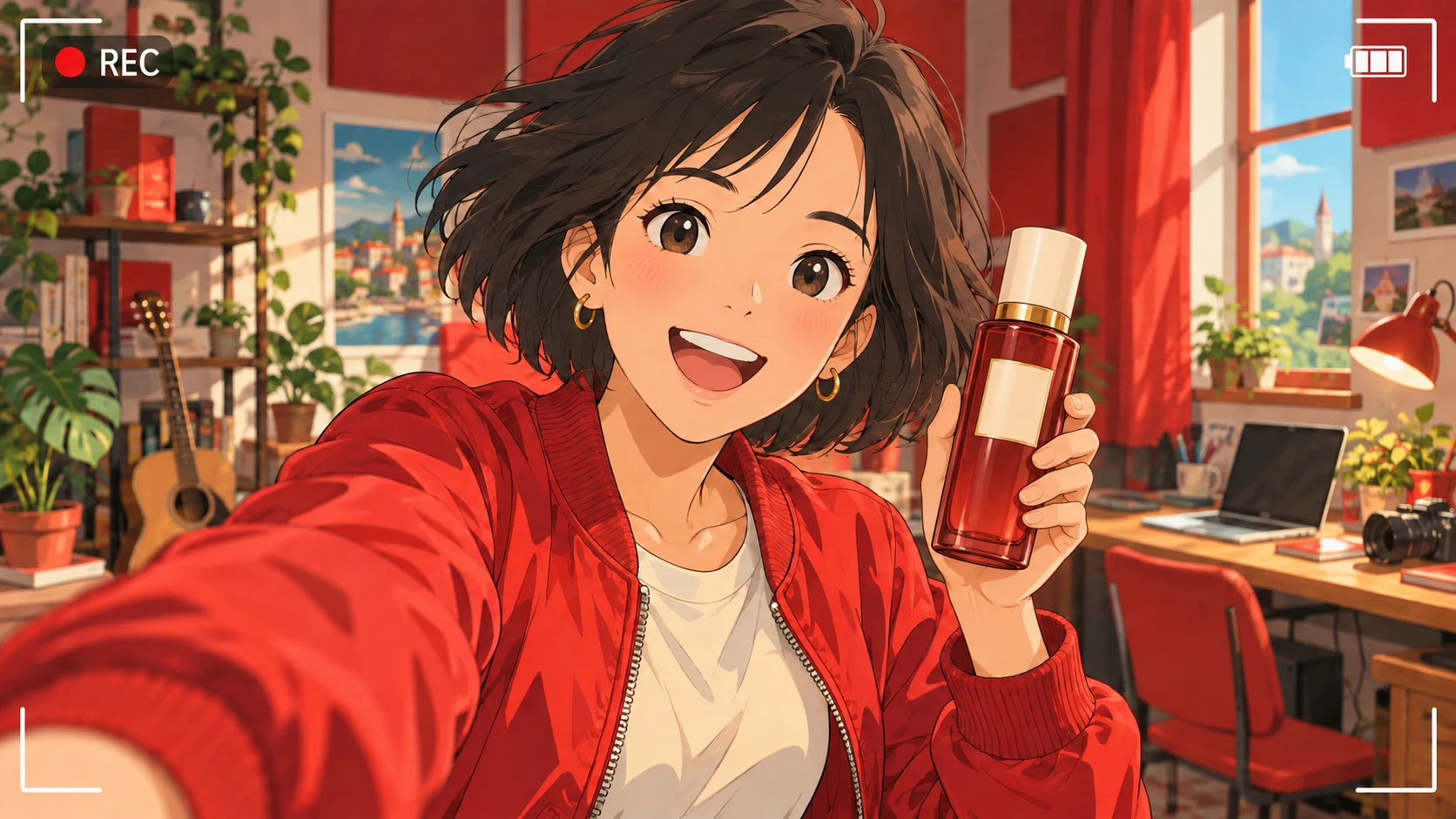
These are example scenes drawn from this agency’s main illustration. This is where real results will go.
How it works
Add the product URL
Add either the product page URL or product photos (up to 6) and, if you have one, a brand logo.
Choose the length and language
Set a length of 5–60 seconds, one of 11 languages, captions on or off, and the model who appears in the video.
Check the video
Play the finished video. Make another request for anything that needs fixing.
Download and post
Download the video file and post it to the channel you want.
Specs
Commercial Shorts at a glance
| What it does | Creates compelling shorts from just a product URL. |
|---|---|
| What you put in | Product URL or 1–6 product images, 0–1 brand logo (PNG, JPEG, WebP) Add at least one of the two: a product URL or product images. Length: shortest and longest, 5–60 s (in 5-second steps) · Language · Captions · Model (Auto or Load) |
| What you get | Shorts video file (received as the run’s result file) |
| Supported languages | Korean (default), English, Japanese, Chinese, Spanish, Portuguese, French, German, Vietnamese, Thai, Indonesian |
| API | Supported · Upload files, run, check status, download video files |
Flow starts with an invitation
Once your company is invited, use the link in the invitation email to create your company workspace and get started right away.
Already a member of a company that uses Flow? Join through the invitation your admin sends.
Don’t have an invitation? Contact customer support (flow@oddconcepts.kr).