Flow agencyFashionImage Generation
Lookbook Studio
Create, refine, and manage reusable fashion models and product cuts.
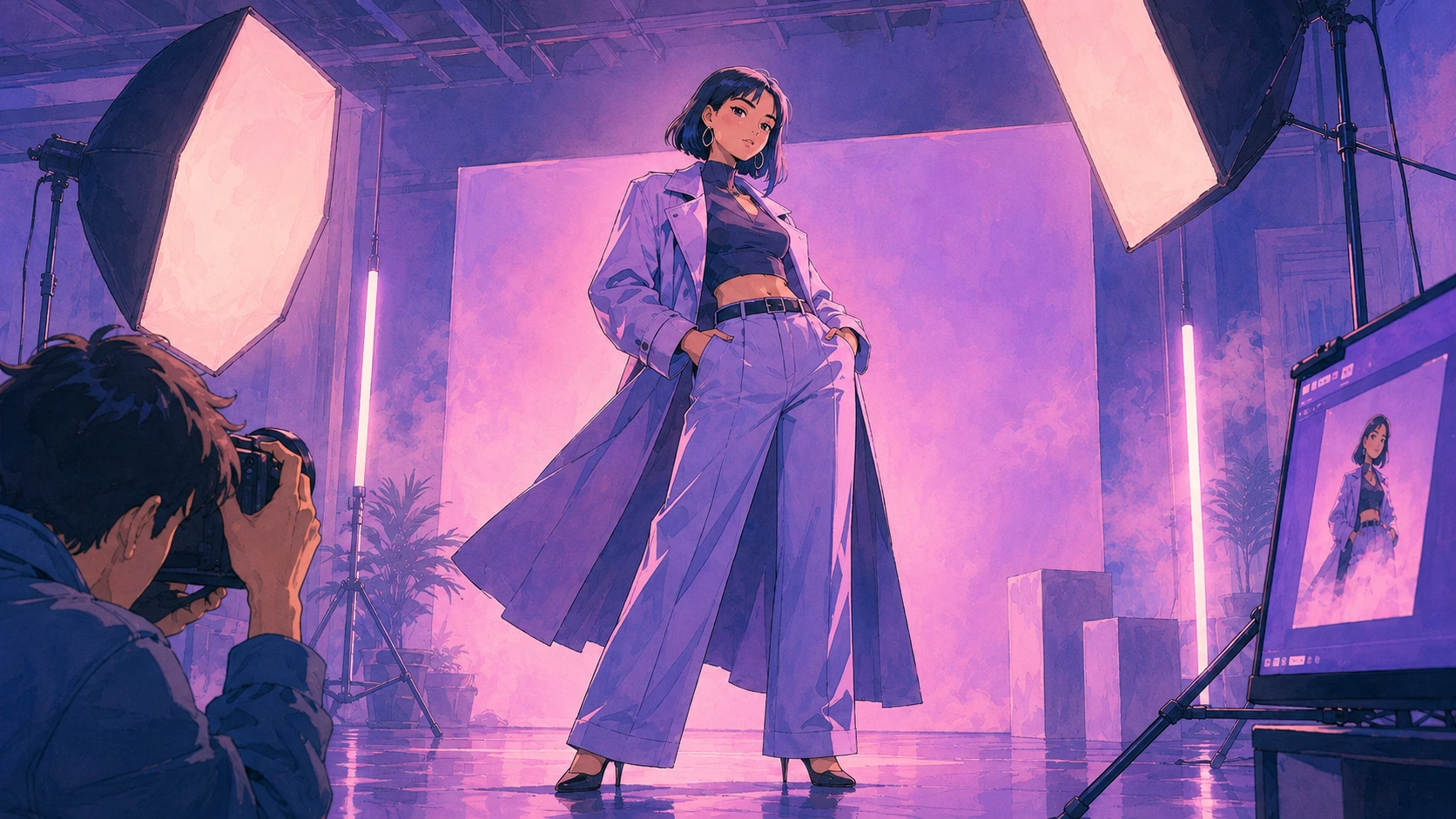
- What you put in
- Product photos (up to 6 for the main item)
- What you get
- Model cut
- Product detail cut
- Story cut
- Creative cut
- A set of lookbook cuts, including model cuts
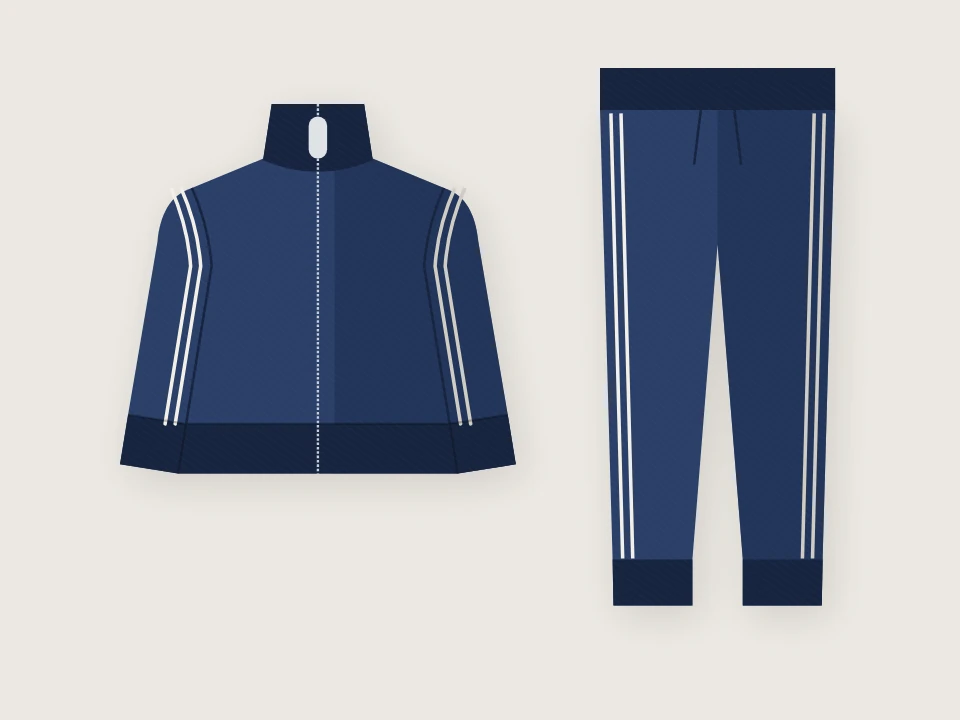
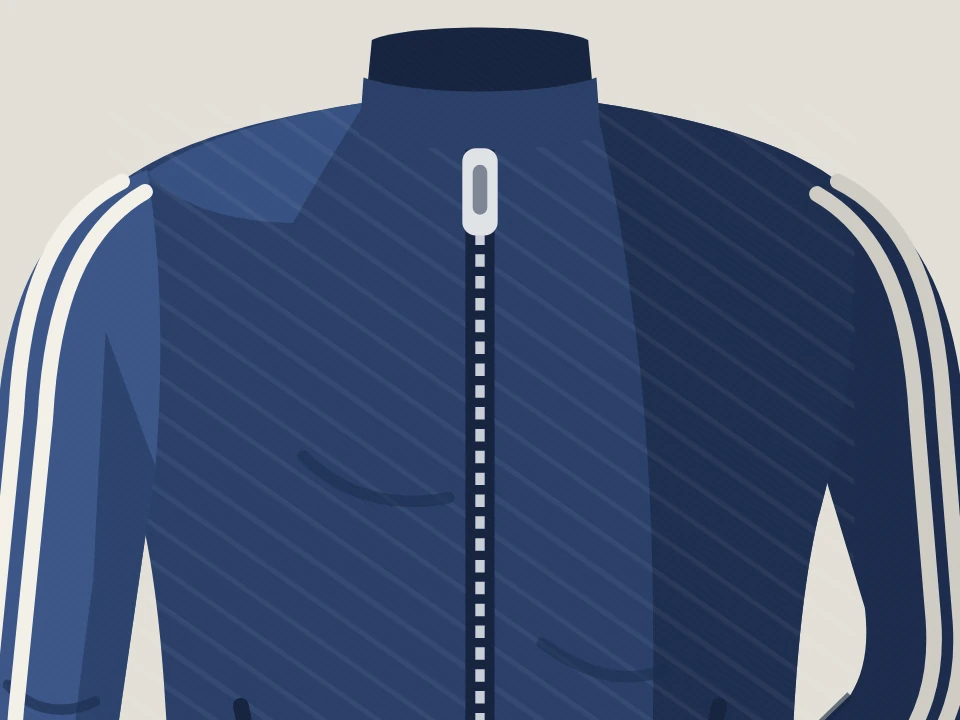
From a few product photos, a full lookbook
Upload clothing photos, and it makes lookbook cuts of those clothes worn by a fashion model you’ve already made.
Reuse the same model for your next product too, and pick out and refine any cuts you don’t like.
Why you can hand it off
Models you reuse
Make a model once and reuse it for many products. Even when the season changes, you carry on with the same model.
Choose your cut types
Choose as many as you need from model cuts, product detail cuts, story cuts, and creative cuts.
Set the space and light
Choose the background space, the weather and time of day, and a digital or film camera.
Manage by project
Your cuts are kept as a project. Make more cuts for the same product, and download them by version.
From product photos to a set of lookbook cuts
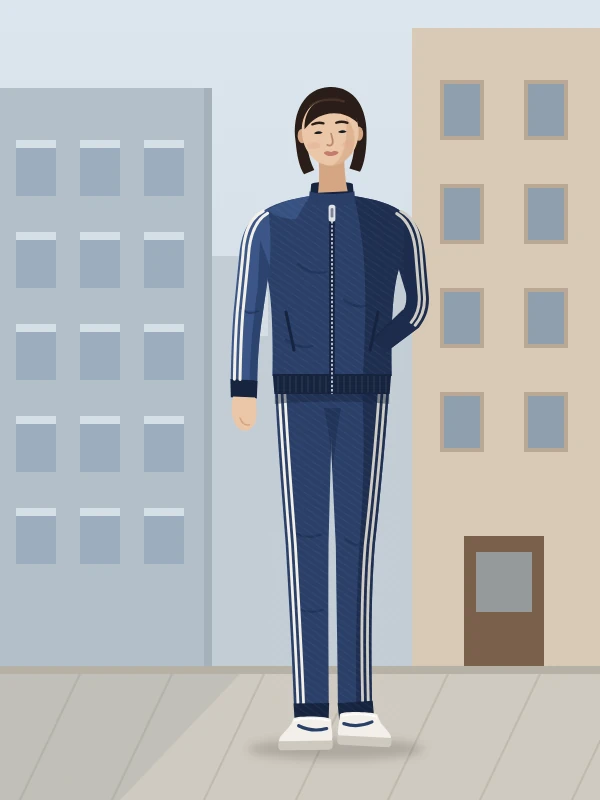
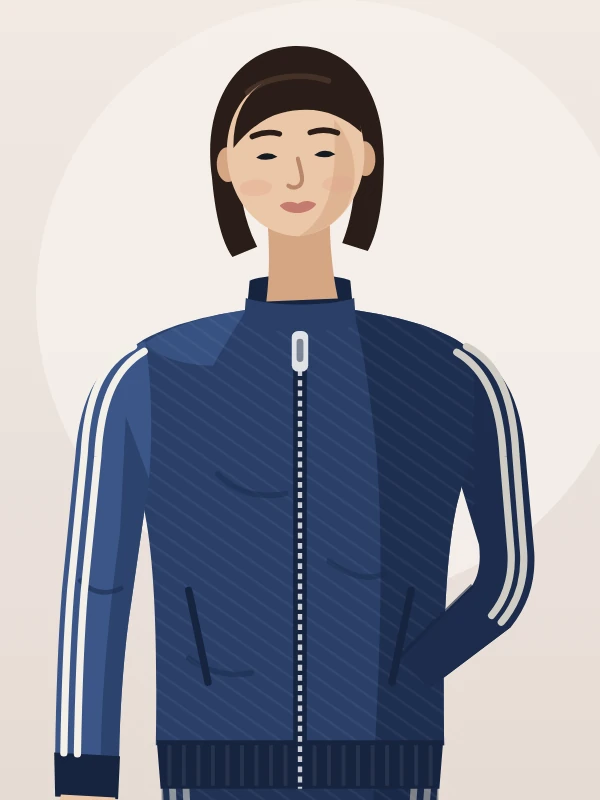
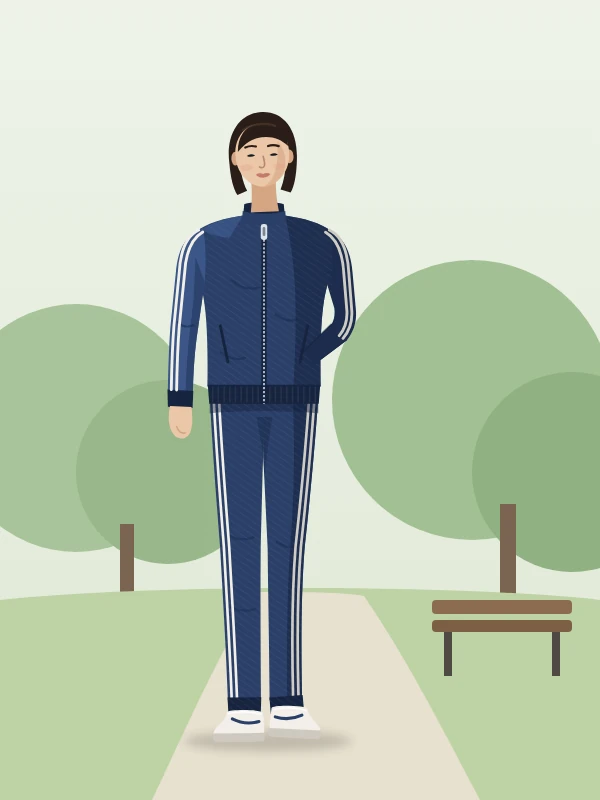
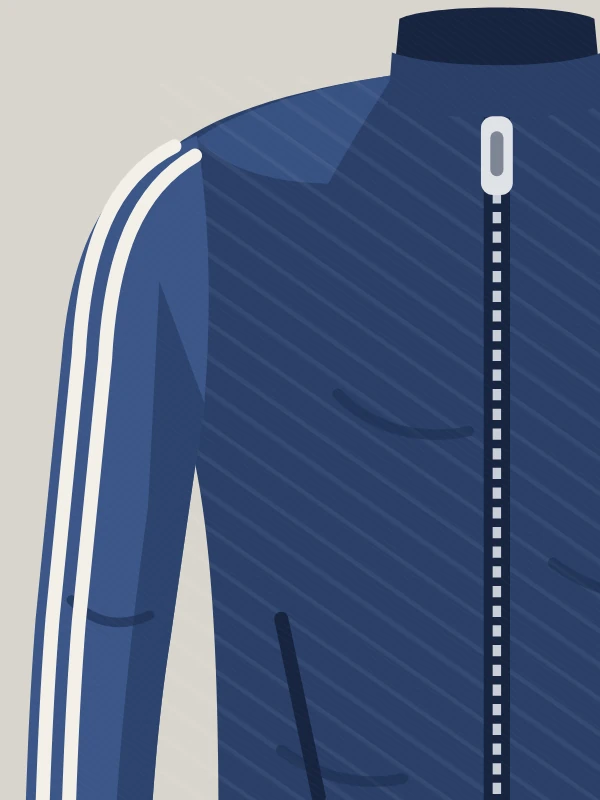
What went in: product photos of a tracksuit and one model made in advance. What you get: a set of cuts of the same model in the same outfit.
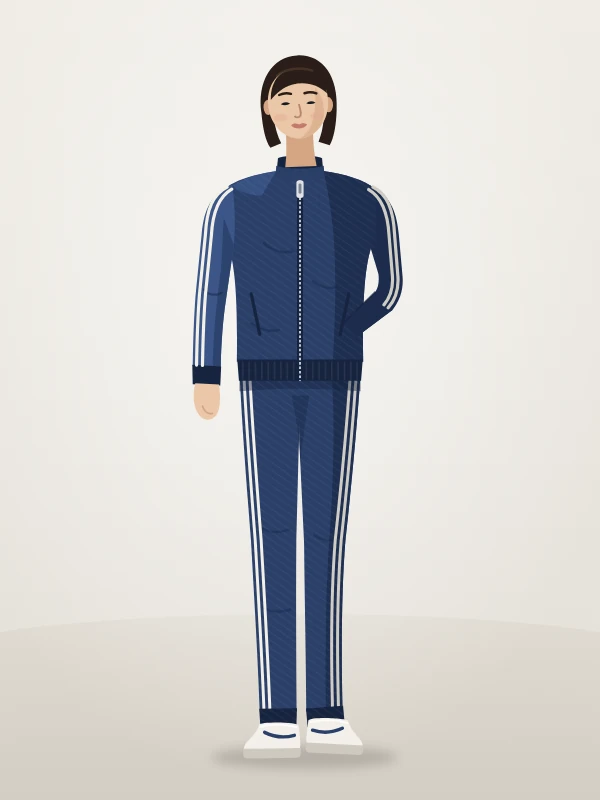
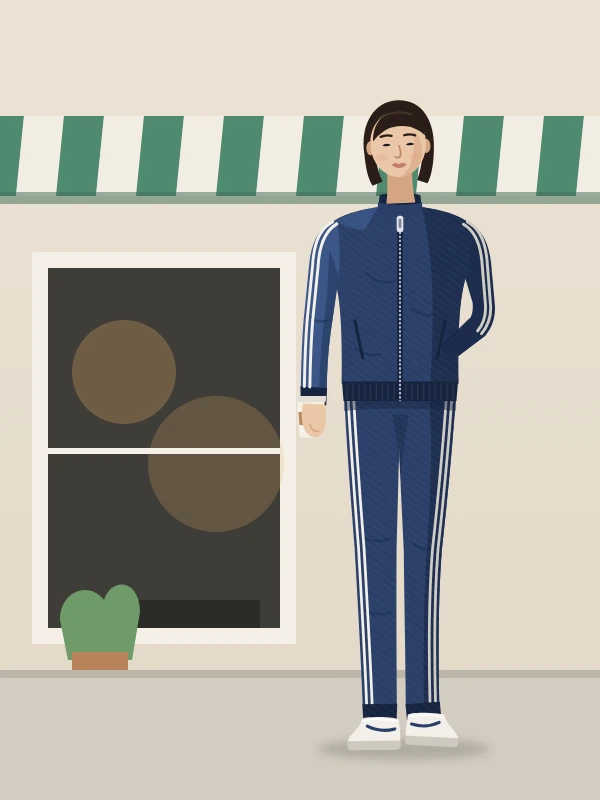
Lookbook cut set
Example6 cuts · Same model, same outfit
- 01Model cut · Studio
- 02Model cut · Street
- 03Model cut · Upper body
- 04Model cut · Park
- 05Product detail cut
- 06Story cut
Every cut is an example drawn from this agency’s product illustration (a tracksuit line drawing). This is where real results will go.
How it works
Prepare a model
Once, at the start, make a model from face and full-body photos. You keep reusing the model you’ve made.
Upload product photos
Along with the main item photos (up to 6), you can add sub items to wear with it, and pose and space reference photos.
Choose cuts and make the request
Set the cut types you need and how many of each, the resolution, and the camera.
Refine and download
Pick out any cuts you don’t like and remake them, then download by project or by version.
Specs
Lookbook Studio at a glance
| What it does | Create, refine, and manage reusable fashion models and product cuts. |
|---|---|
| What you put in | 0–6 main item photos · 0–8 sub item photos · 0–30 pose reference photos · 0–8 space reference photos · PNG, JPEG, WebP Product name, target gender (female, male, unisex) Model: auto-selected or picked by you from the models you’ve already made |
| What you get | Model cuts, product detail cuts, story cuts, creative cuts Resolution 1K, 2K, 4K · Aspect ratio Auto, 1:1, 4:5, 3:4, 2:3, 9:16, 16:9 · Download as WebP, JPEG, PNG |
| Supported languages | Set the language of the text in story cuts and creative cuts by describing it in a sentence. |
| API | Supported · Upload photos, run, check status, read results, download files · Create models on screen first |
Flow starts with an invitation
Once your company is invited, use the link in the invitation email to create your company workspace and get started right away.
Already a member of a company that uses Flow? Join through the invitation your admin sends.
Don’t have an invitation? Contact customer support (flow@oddconcepts.kr).