Flow agencyFashion
Packshot Studio
Create consistent flat-lay and hanger product cuts from multiple source images.
- What you put in
- 1–6 photos of the same product
- What you get
- Flat-lay cut
- Hanger cut
- Flat-lay and hanger cuts (front and back)
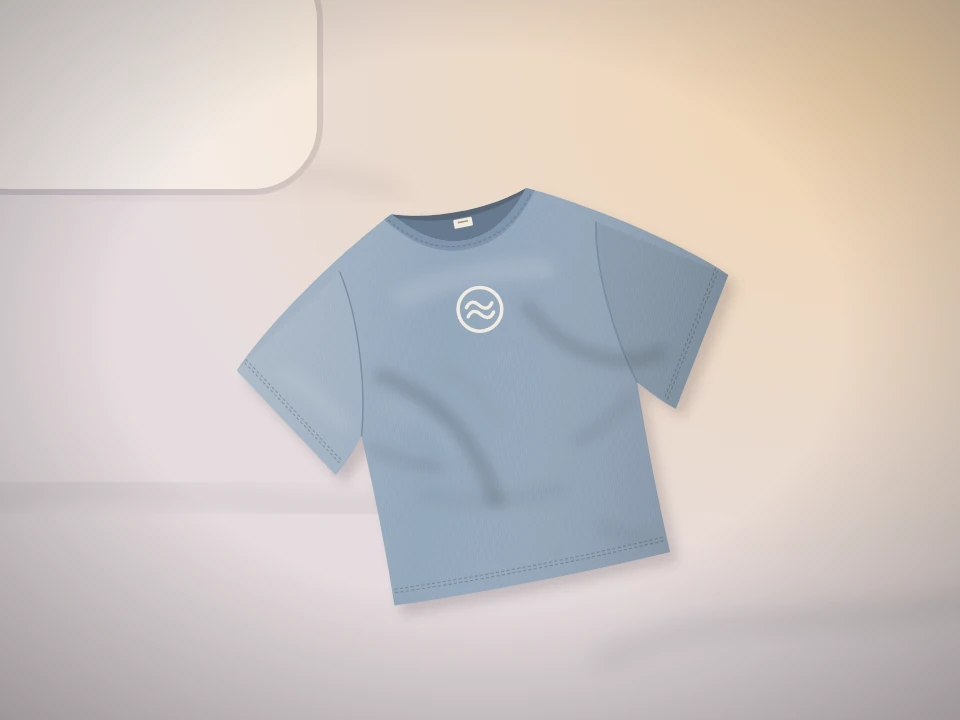
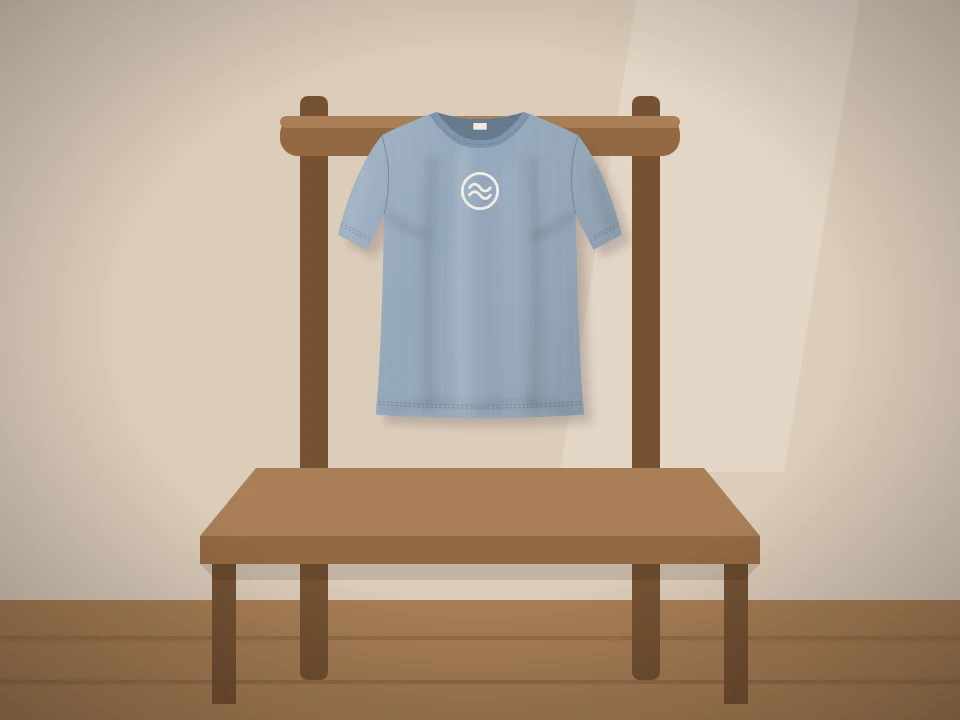
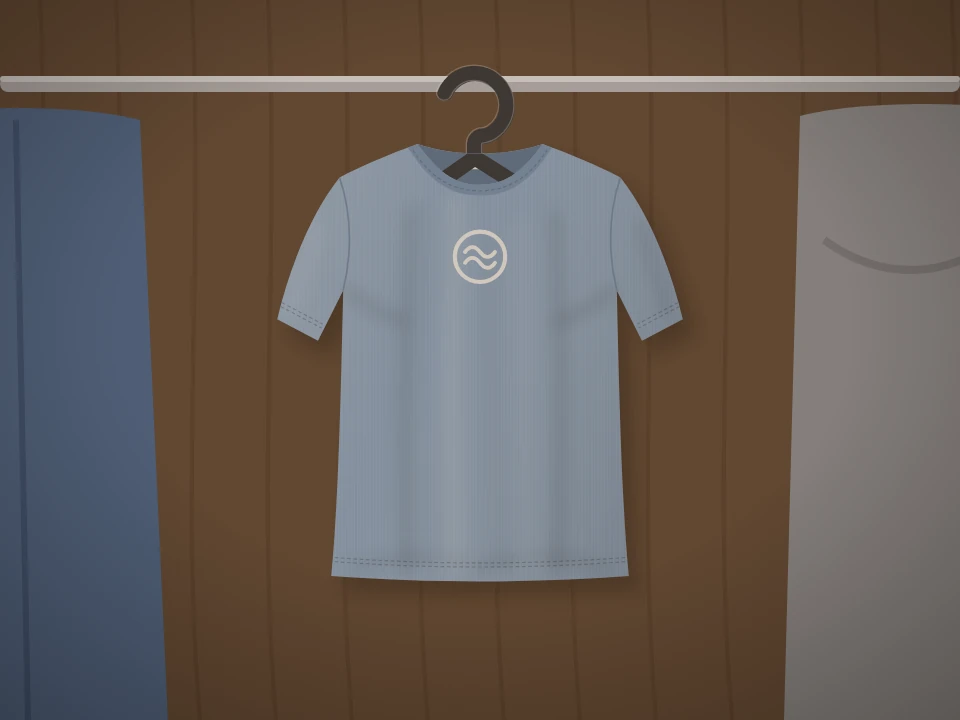
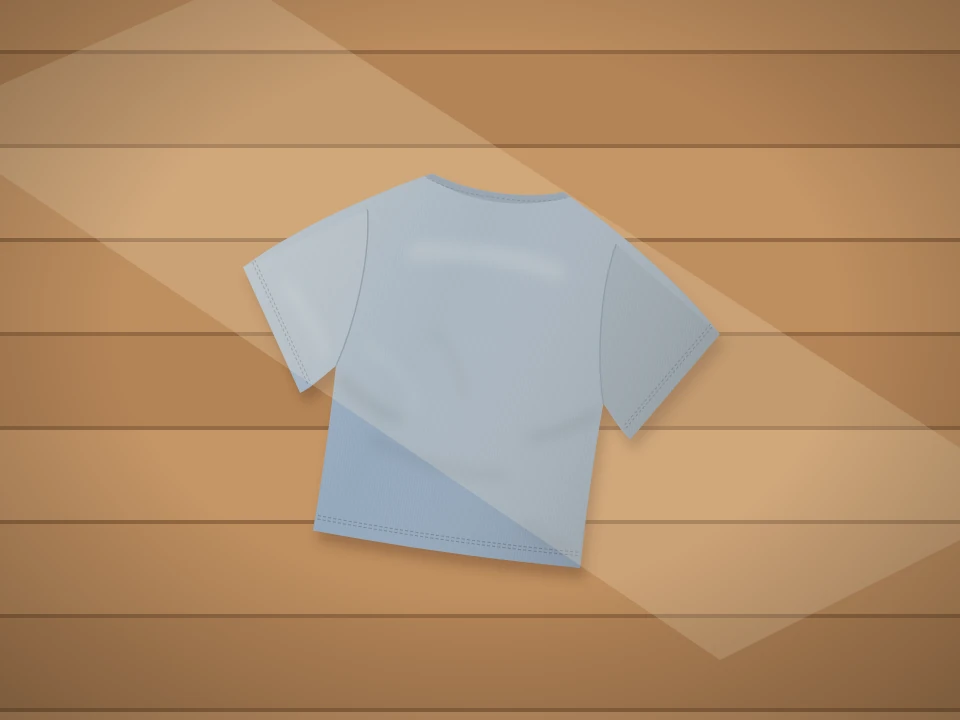
From several source photos, flat-lay and hanger cuts in the same tone
Upload photos of the same garment shot in different ways, and it makes cuts of it laid flat on the floor and cuts of it on a hanger, with the same background and tone.
If both the front and back are visible, it makes both sides together.
Why you can hand it off
Sees several photos as one product
It looks at several photos of the same product together, such as photos of it worn or hanging, side views, and option photos.
Flat-lay and hanger cuts in one go
Choose both kinds of cuts together, or just one. If both the front and back are visible, it makes both sides.
Matches the background
Add one background example photo each for flat-lay and hanger cuts, and it matches that mood.
Also get files without a background
Flat-lay cuts also download as transparent files with the background removed.
From source photos to packshots
What went in: four photos of the same T-shirt taken at home. What you get: flat-lay and hanger cuts with the same background and tone.
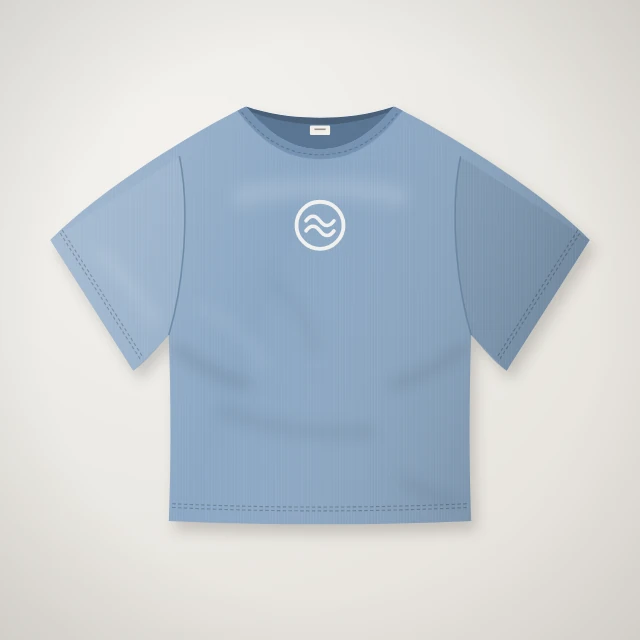
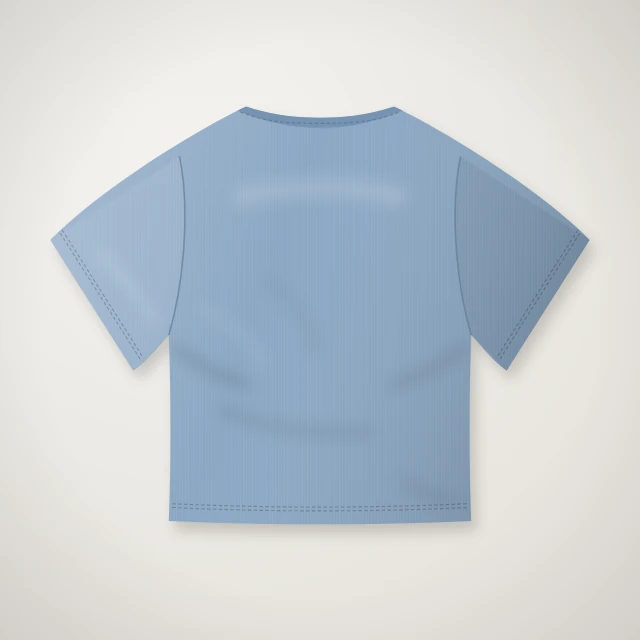
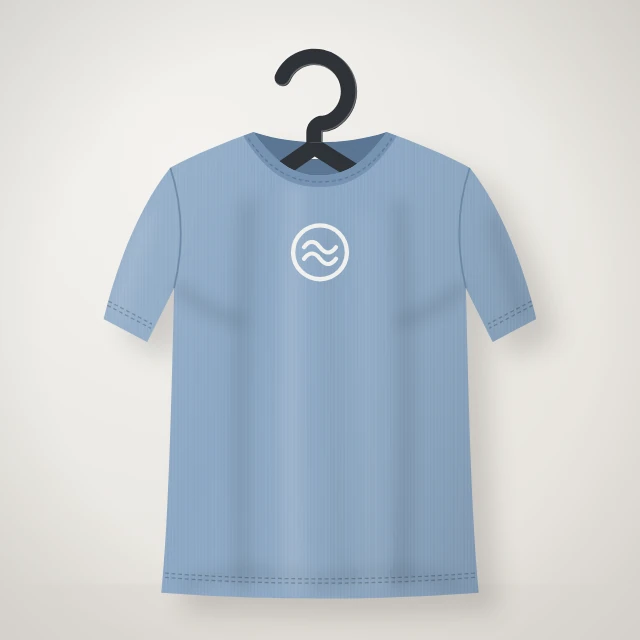
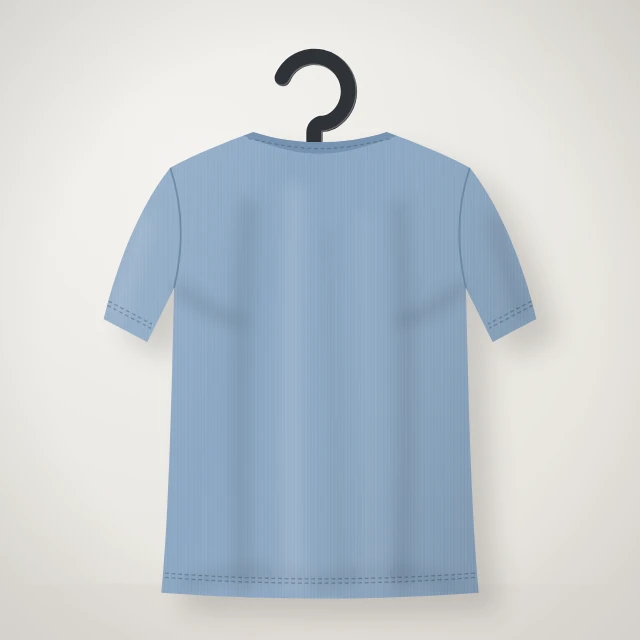
Flat-lay and hanger cuts
ExampleFour flat-lay and hanger cuts, front and back · Same background and tone
- 01Flat-lay cut · Front
- 02Flat-lay cut · Back
- 03Hanger cut · Front
- 04Hanger cut · Back
Both the source images and the results are examples drawn from this agency’s flat-lay cut and hanger icons. This is where real results will go.
How it works
Upload photos
Upload 1–6 photos of the same product. Photos of it being worn, or side views, are fine too.
Choose your cuts
Choose from flat-lay and hanger cuts, and if you like, add one background example each.
Review and refine
Look over the cuts it made, and make a new request for anything that needs fixing.
Download
Get WebP, JPEG, or PNG files, or get flat-lay cuts as files without a background.
Specs
Packshot Studio at a glance
| What it does | Create consistent flat-lay and hanger product cuts from multiple source images. |
|---|---|
| What you put in | 1–6 photos of the same product · PNG, JPEG, WebP 0–1 flat-lay background example, 0–1 hanger background example (optional) Product name (optional, up to 320 characters) |
| What you get | Flat-lay cuts, hanger cuts · If both the front and back are visible, both sides (default) or the front only Download as WebP, JPEG, PNG · Flat-lay cuts also as files without a background |
| Supported languages | These product cuts add no text, so there is no language to choose. |
| API | Supported · Upload photos, run, check status, read results, download files |
Flow starts with an invitation
Once your company is invited, use the link in the invitation email to create your company workspace and get started right away.
Already a member of a company that uses Flow? Join through the invitation your admin sends.
Don’t have an invitation? Contact customer support (flow@oddconcepts.kr).